Cox Teachers App (CTA): Building a Digital Staffroom for Educators
CTA (Cox Teachers App) started from a simple idea — teachers shouldn’t be limited to collaboration within just their school.
In many places, once you leave your school environment, professional interaction with other educators becomes almost nonexistent. I wanted to explore what it would look like to create a shared digital space — something like a modern staffroom — where teachers could connect, share ideas, and even exchange resources within their local communities.
A Practical, Product-First Approach
Rather than over-engineering things from the start, I focused on building something that works well in the real world.
I chose to build CTA using Next.js with the App Router so I could keep everything in a single, cohesive codebase — frontend and backend logic together. Instead of spinning up a separate backend, I leaned on Supabase for authentication and database needs. It allowed me to move faster, simplify infrastructure, and focus more on the product experience.
This decision wasn’t just about convenience — it was about reducing complexity while still building something scalable and reliable.
Designing for Mobile First
From the beginning, I knew most users would access CTA on their phones, so I approached it as a mobile-first Progressive Web App.
The goal was to make it feel close to a native app:
- Smooth navigation
- Fast load times
- Minimal data usage
- A clean, focused interface
Every UI decision was made with that in mind — simple layouts, clear actions, and an experience that works well even on mid-range devices.
Making the Feed Feel Relevant
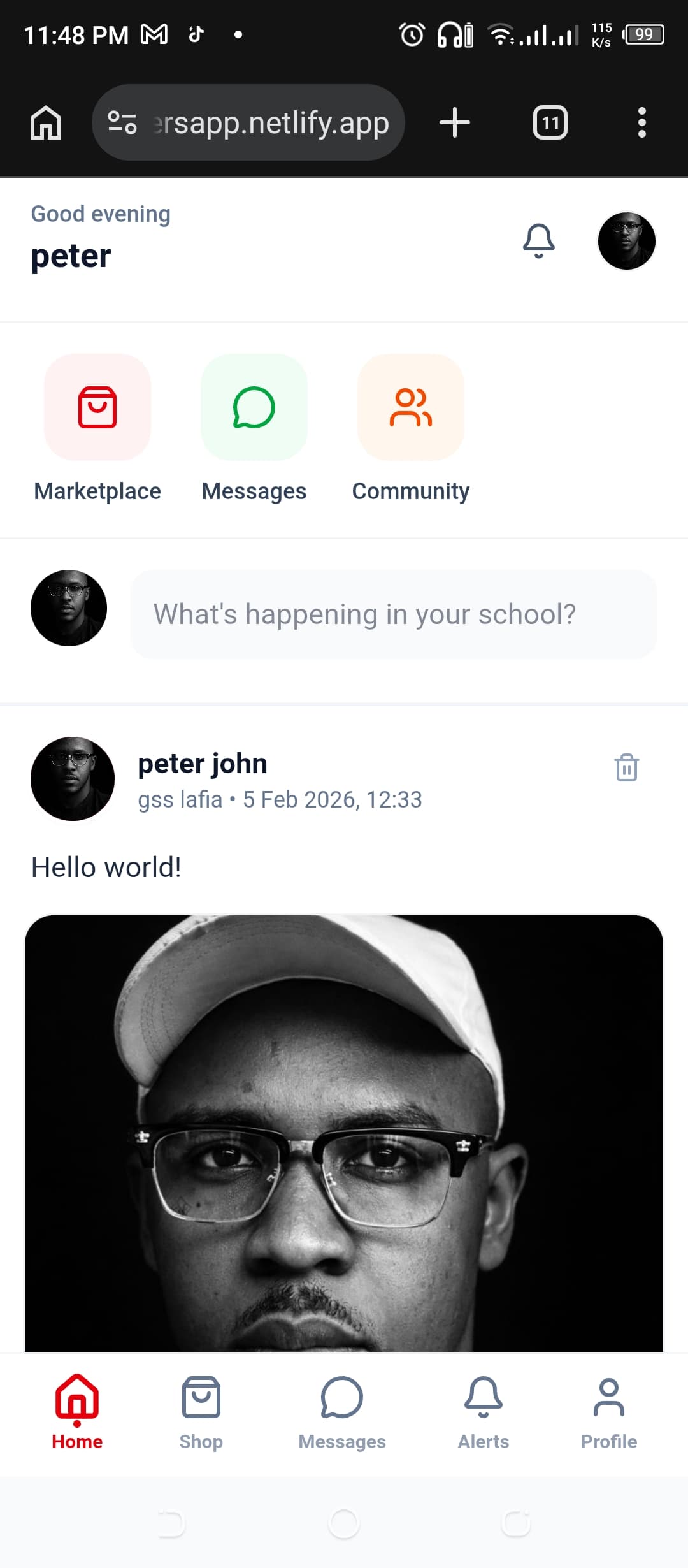
One of the key ideas behind CTA is locality.
Instead of a generic global feed, I wanted users to feel like they were interacting with people within their actual environment — their school, their area, their local network.
So I structured the feed to prioritize relevance:
- Content closer to your location shows up first
- Visibility is controlled at the school and local level
- Interactions feel more intentional, not noisy
It’s less about volume and more about meaningful connection.
Extending Into a Marketplace
As the idea evolved, it made sense to go beyond just conversations.
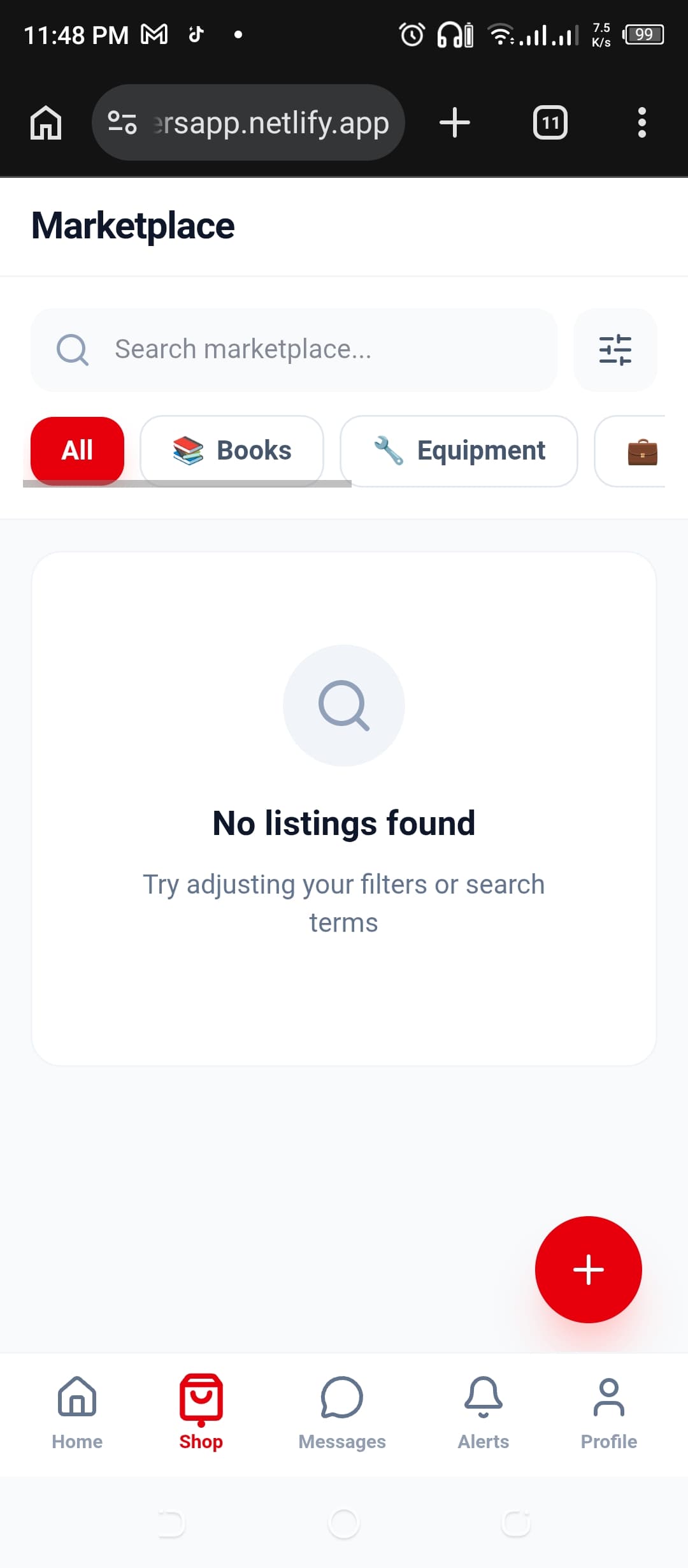
Teachers often share or sell materials — lesson notes, resources, tools — so I built a simple marketplace into the platform.
Users can:
- List items
- Discover resources nearby
- Reach out and have conversations directly
Keeping this within the same platform makes the experience feel unified instead of fragmented.
How I Build
This project reflects how I like to work as a developer.
I don’t always start by trying to design the most complex system possible. Instead, I focus on:
- Choosing tools that reduce friction
- Leveraging modern frameworks like Next.js to their full potential
- Using AI as part of my workflow to move faster and explore ideas quickly
- Iterating based on how the product actually feels to use
CTA is less about showcasing deep technical complexity, and more about building something thoughtful, usable, and grounded in real-world needs.
Project Gallery
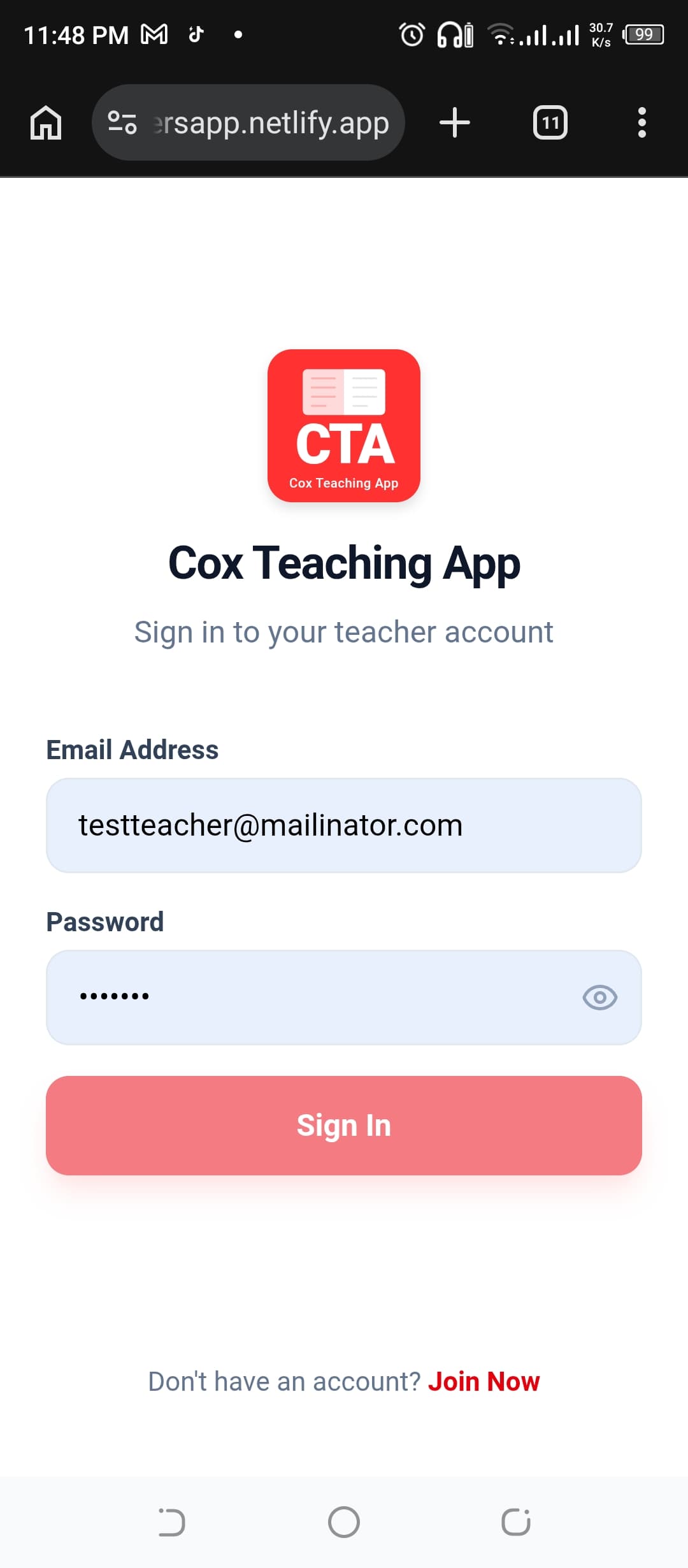
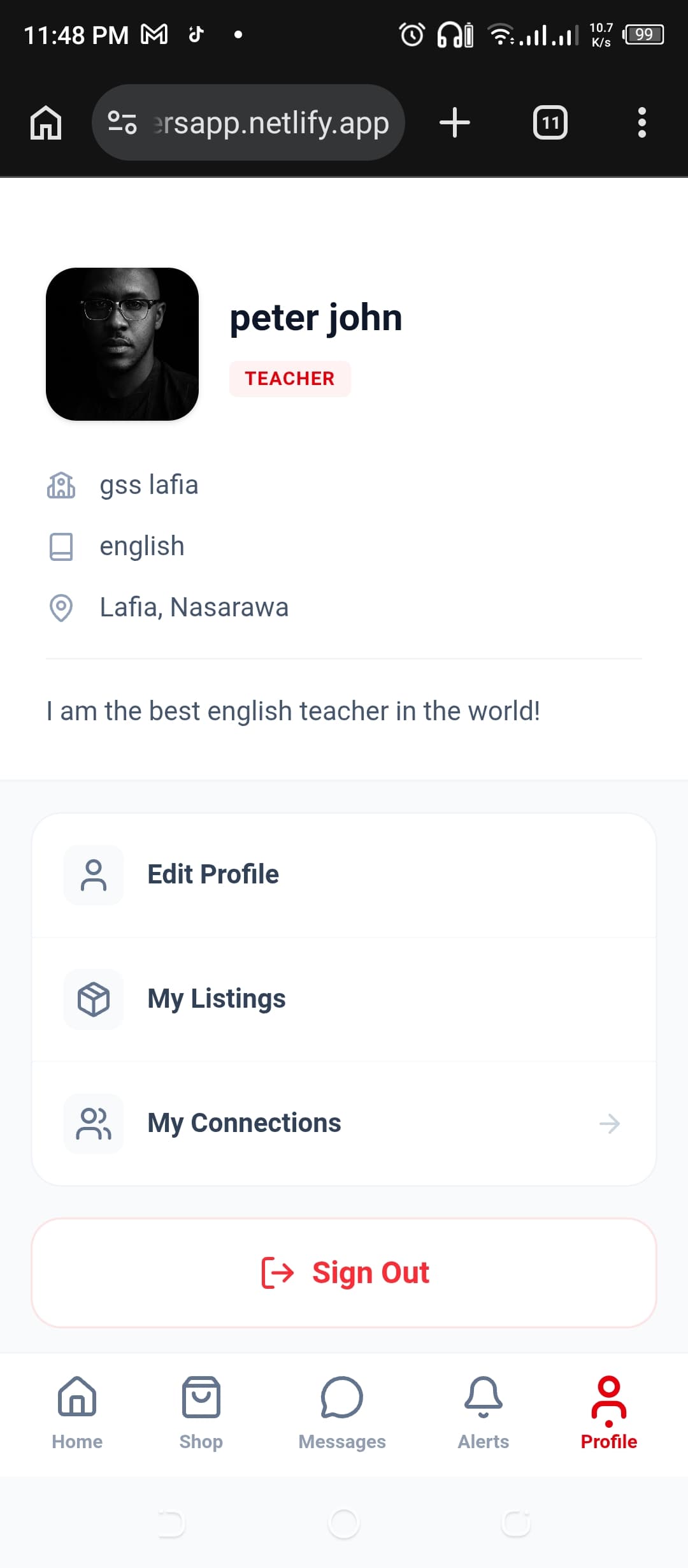
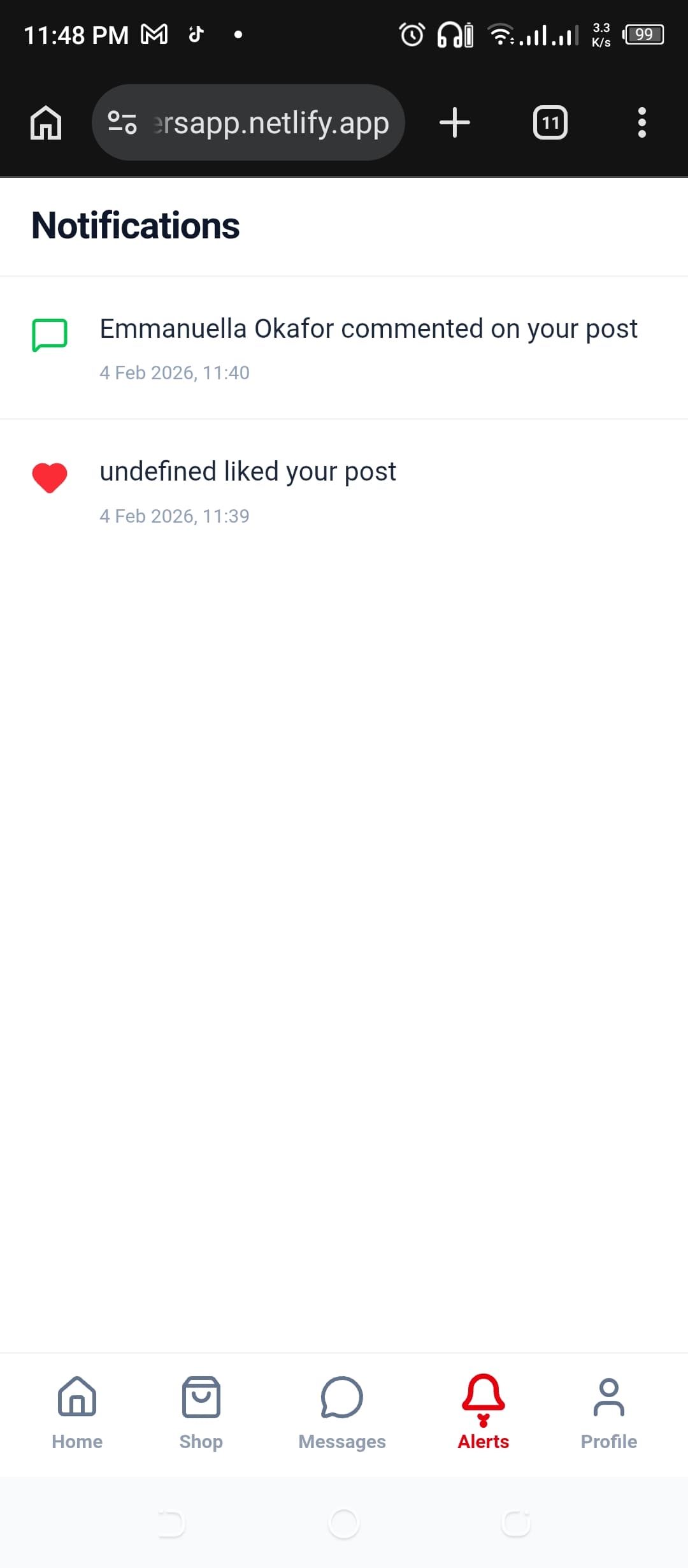
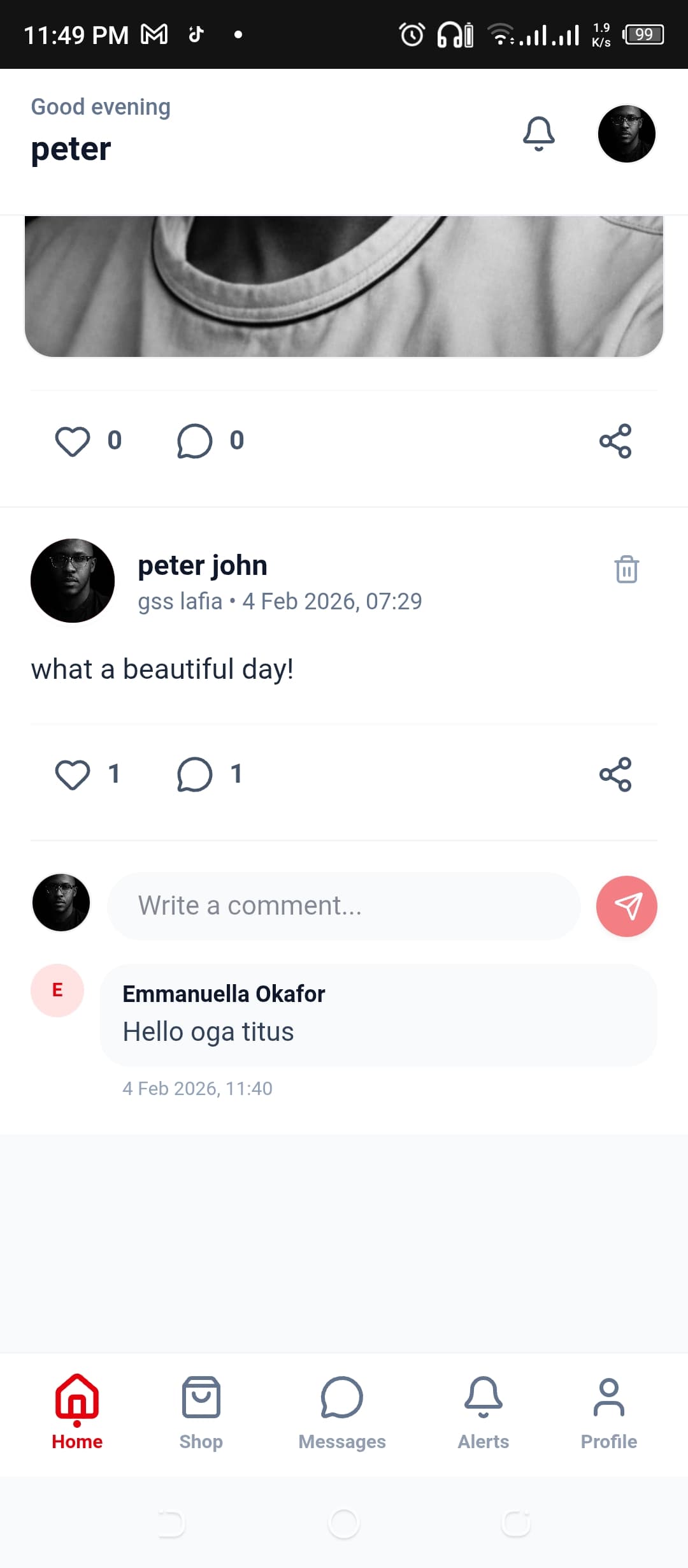
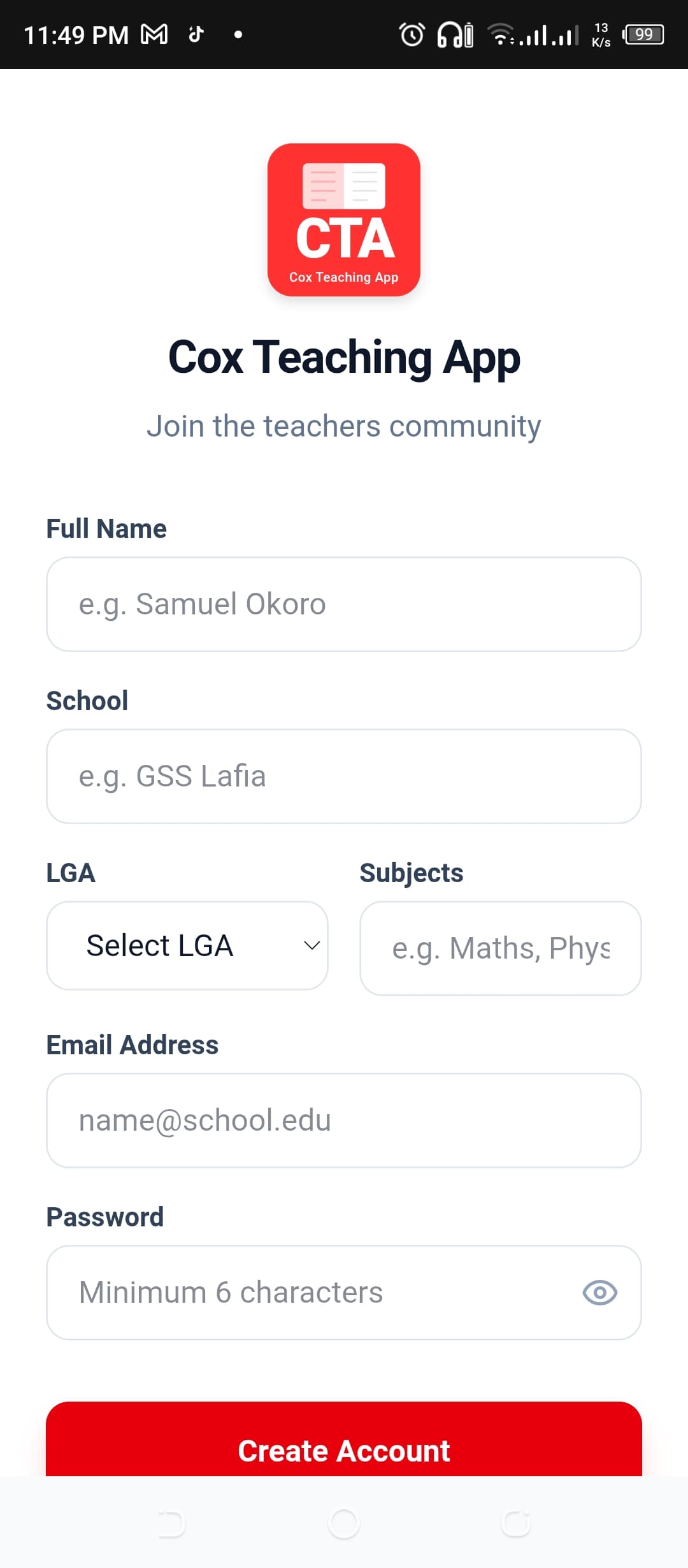
"Thanks for reading! If you enjoyed this journey into Cox Teachers' App (CTA): Engineering a Digital Home for Educators, feel free to explore more of my technical case studies."
Back to Articles